Surfaces
Click on the 'Customize' on the Tools menu. To invoke Customize from the keyboard press Control + U.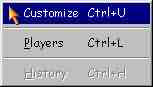 Click on the Background tab to set the picture.
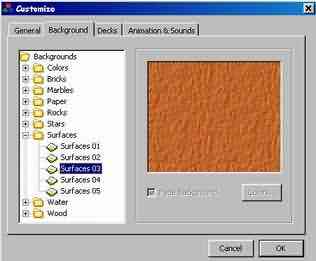 Click on any of the Surfaces you want to set as picture and then click OK.
Click on the Background tab to set the picture.
Click on any of the Surfaces you want to set as picture and then click OK.
Click on any of the Surfaces you want to set as picture and then click OK.
Click on the Background tab to set the picture.
Click on any of the Surfaces you want to set as picture and then click OK.