Delete Player
To delete a player click on "Players" under the Tools Menu. To delete a player from the keyboard press Control + L key.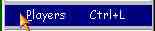 This will invoke Players window.
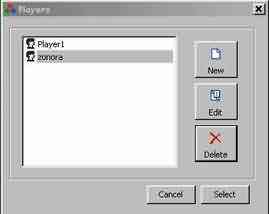 Click on the 'Delete' Button on the Players window. It will open a dialog box. Click on the 'Yes' Button.
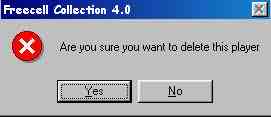 This will delete the selected player.